Current location
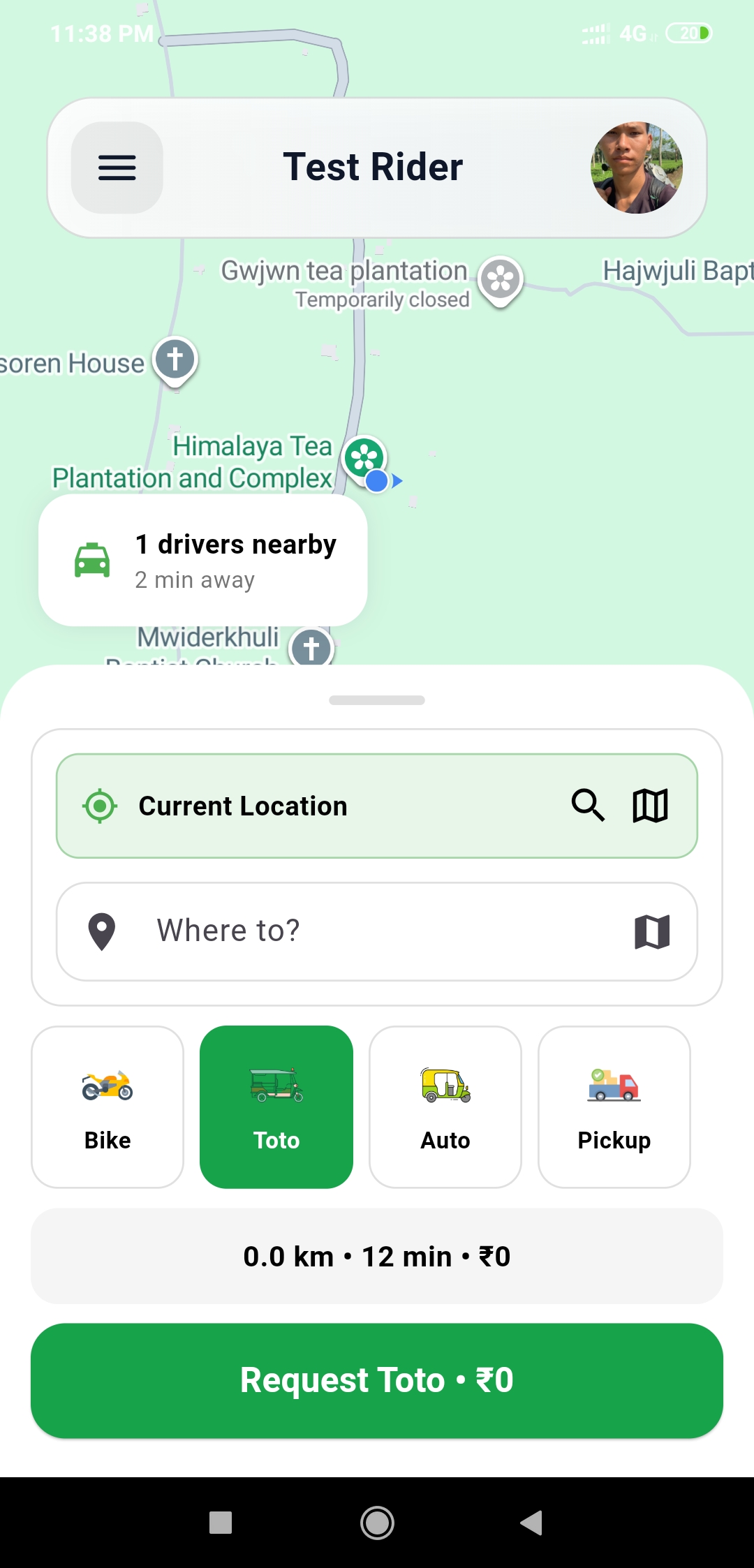
Riders can start from their current location and search the place they want to go.
Book a Bike, Toto, Auto, or Pickup in a few taps. See your route, preview the fare, find nearby drivers, and follow every step of the trip in Ridezz.
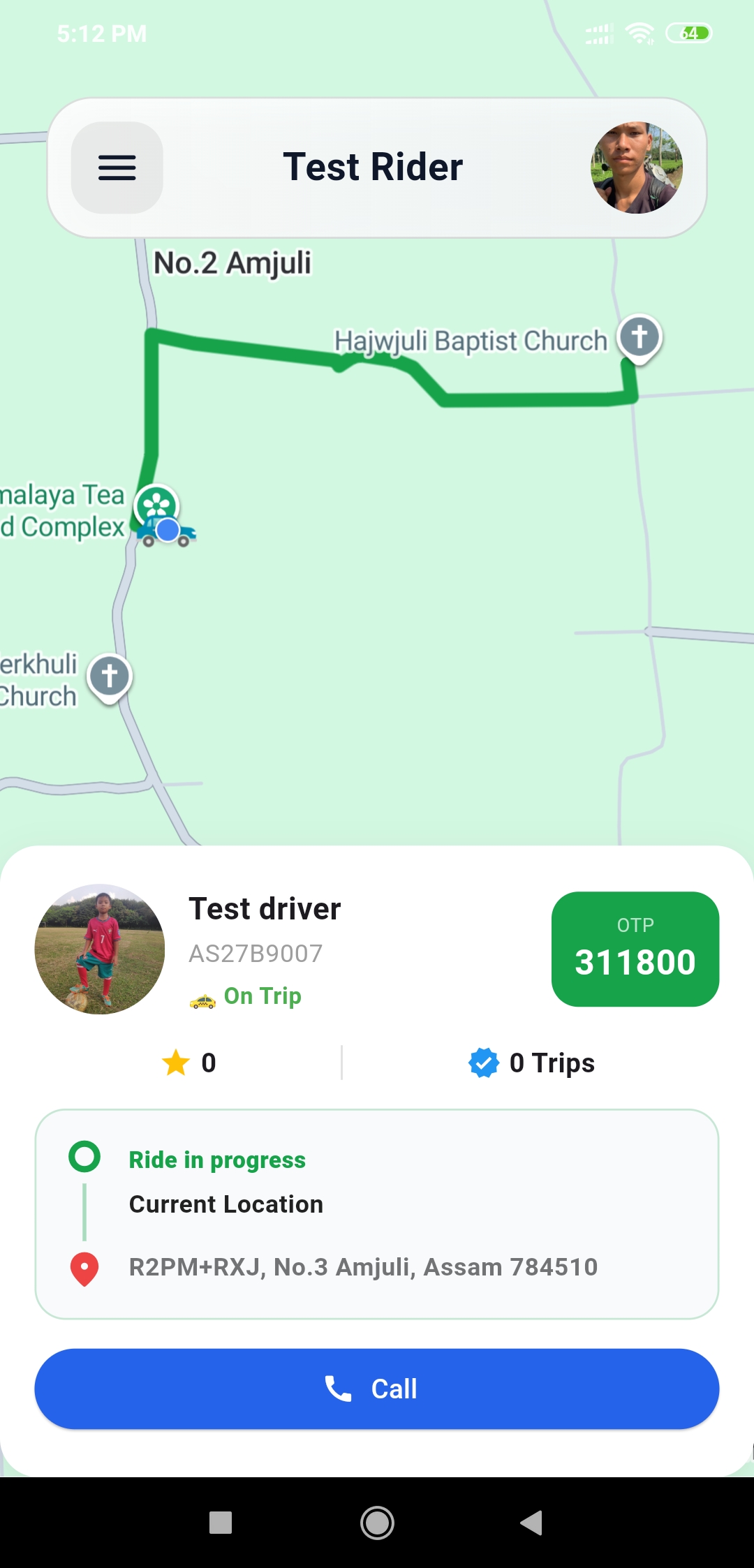
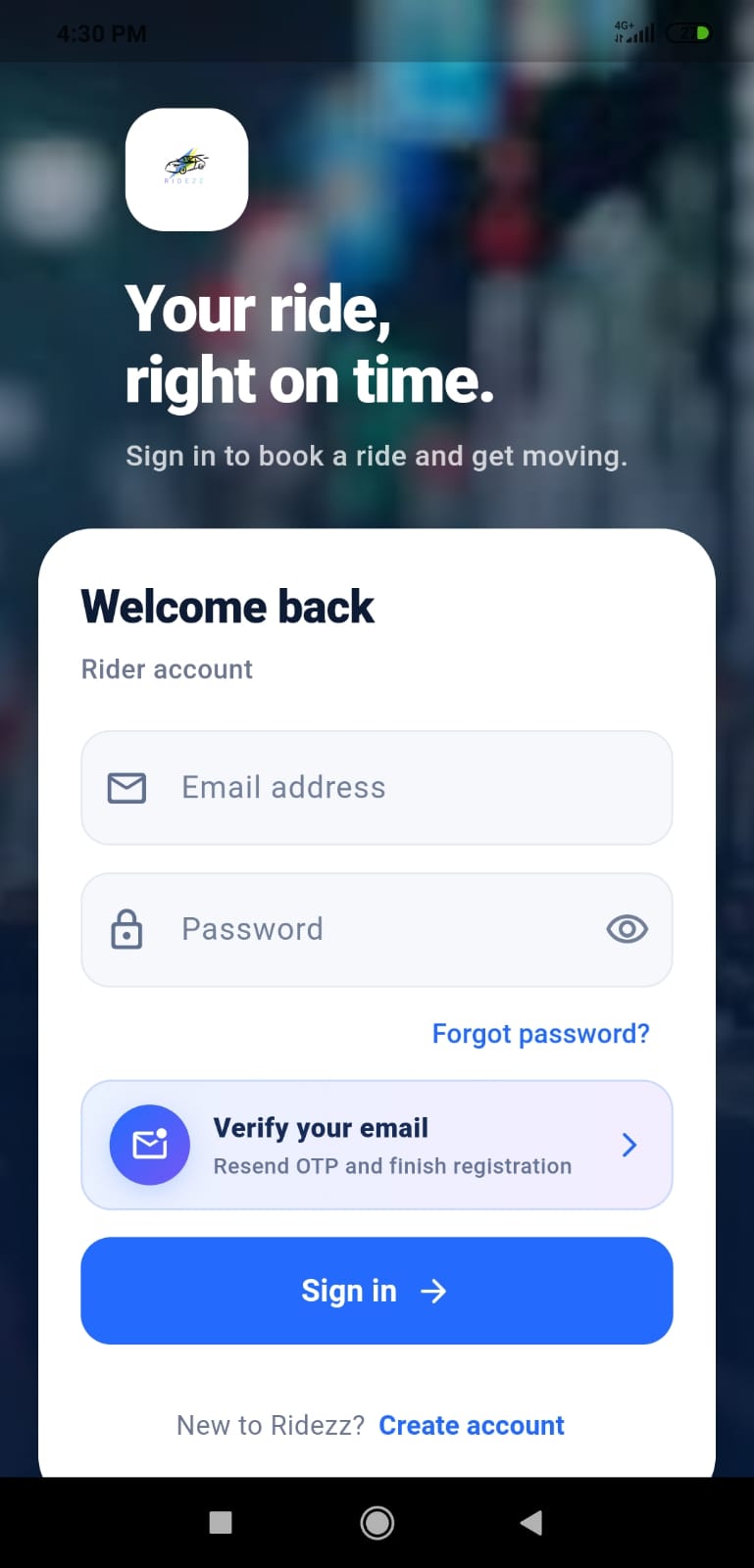
Ridezz is made for daily city movement: short trips, simple booking, driver availability, transparent fares, and an admin panel to manage the service.
Riders can start from their current location and search the place they want to go.
Bike, Toto, Auto, and Pickup options are shown clearly so riders choose the right ride.
Trip distance, estimated time, and amount are visible before requesting the ride.
These estimates use the current Ridezz vehicle rates. Your final fare is based on the actual trip distance.
Enter the approximate route distance and choose your vehicle.
Ridezz serves active local zones managed by the operations team. Availability depends on nearby online drivers.
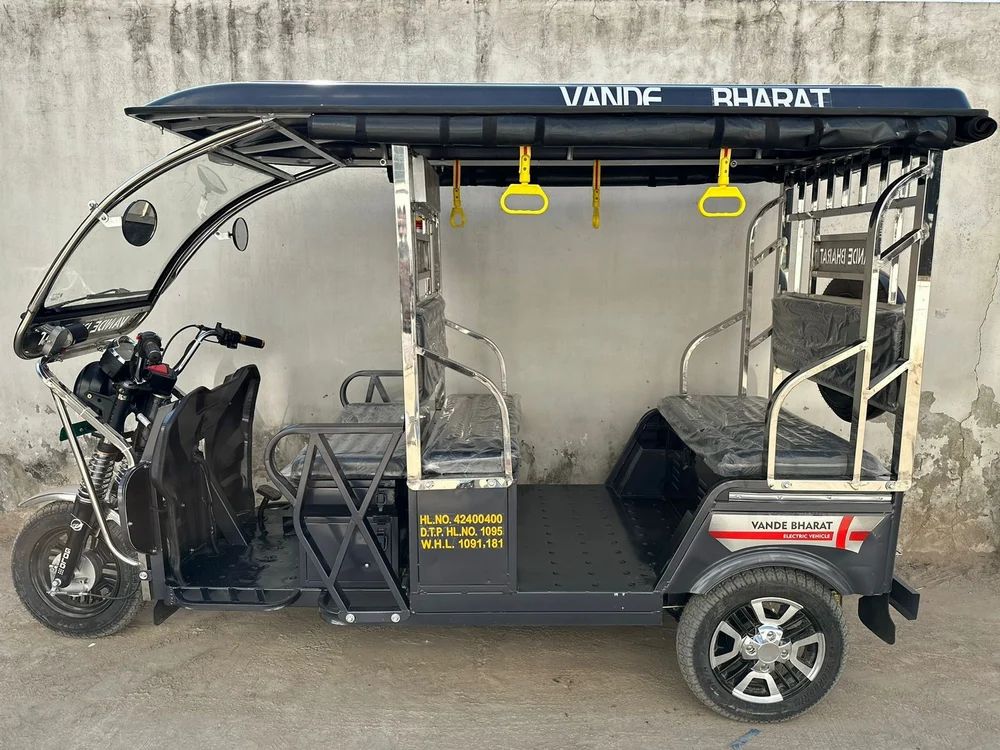
The rider screen is direct: check nearby drivers, select your route, choose the vehicle type, review the fare, and request the ride.
Use current location or search the pickup and destination.
Pick Bike, Toto, Auto, or Pickup based on the trip.
Send the request and follow status changes until completion.
Drivers can manage online status, receive ride details, update location, view ride history, and keep their account information organized.
Drivers can go online when available and stop receiving rides when offline.
Pickup, drop, rider details, and trip status are easy to understand.
Drivers can review daily trips, previous rides, ratings, and account status.
Choose when to go online and accept local trips around your availability.
Completed trips and driver earnings are recorded in the driver account.
Eligible drivers can invite new drivers with a personal referral code.
Use the same phone number or email entered during driver registration. Only limited application information is displayed.
For immediate danger, contact local emergency services first. Ridezz support can assist with ride records, accounts, payments, and driver onboarding.
Driver profile and vehicle details are submitted for administrative review.
Ride stages and driver availability are updated through the Ridezz app.
Call +91 91819 86258 or contact Ridezz online for assistance.
Recent feedback submitted by verified riders after completed Ridezz trips.
Customer reviews will appear here after riders rate completed trips.
Download the Rider app to book local rides, or the Driver app to receive trips and manage availability. Android APKs are available now; the iPhone release is coming soon.
Riders select current location, choose where to go, pick a vehicle type, review the fare, and request the ride.
The app screen supports Bike, Toto, Auto, and Pickup options.
Yes. Drivers can manage online status, receive requests, update location, and view trip history.
Android users can download separate official Ridezz Rider and Driver APKs from this website. The iPhone App Store release is coming soon.
Ridezz uses trip distance, vehicle type, and ride type. The final fare can change if the actual route distance differs from the estimate.
The ride status changes to cancelled in the app. Repeated cancellations may be reviewed to protect service reliability.
Drivers submit contact, profile, and vehicle information. Email verification and administrative review may be required before full use.
The app displays fare, payment method, and payment status for each trip. For cash rides, the rider pays the driver and the applicable platform fee is settled from the driver's Ridezz fee wallet. For online payment records, Ridezz keeps transaction details for support and refund review.
Ridezz publishes payment, cancellation, refund, and driver wallet rules on the Refund and Cancellation Policy page.
Contact local emergency services for immediate danger. For Ridezz account or trip support, call +91 91819 86258 or use the contact page.